
Google Business Profile Optimization for Service Area Businesses
Key Takeaways
- A fully optimized Google Business Profile is now the primary local visibility asset for home service companies, often outperforming the website alone for “near me” searches and driving the majority of high-intent calls and quote requests.
- Service area businesses must hide their physical address, define realistic service areas, and keep all business information accurate to avoid ranking loss, customer frustration, and potential suspensions.
- Ongoing review management, photos, Posts, and Q&A optimization drive both higher local pack rankings and more inbound leads over time, compounding results month after month.
- Partnering with a specialist like Arc4 for Google Business Profile management and local SEO produces stronger, more predictable business growth than DIY efforts, especially across multiple locations.
- This guide is written for marketing directors at home service companies (HVAC, plumbing, roofing, electrical, lawn care, and similar trades) who need a repeatable playbook for multi-city search visibility.
Why Google Business Profile Is Mission-Critical for Service Area Businesses
Since 2023, the local pack and Google Maps results have captured the lion’s share of clicks for home service searches. The map pack appears in roughly 93% of searches with intent to hire a local service provider, and over 60% of those clicks go to Map Pack listings rather than organic website results, with local pack results appearing prominently before traditional organic listings. For marketing directors in the home service space, this means your Google Business Profile is no longer optional. It is the front door to your business online.
A Google Business Profile, formerly called google my business, controls how your company appears in Google Search and Google Maps when potential customers are searching for services nearby. It displays your business name, business hours, reviews, photos, and service listings, all within the search results themselves, before a user ever visits your website.
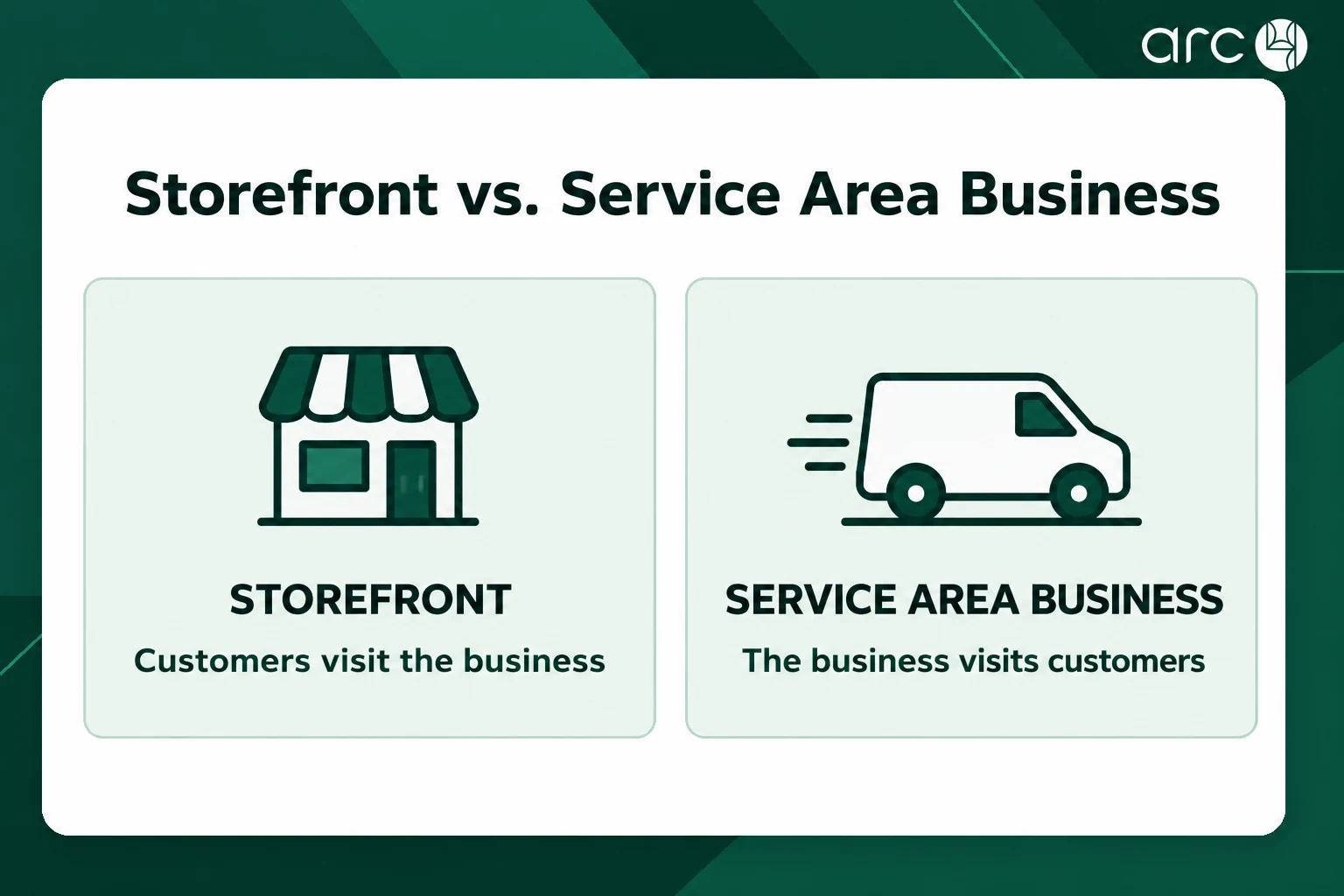
The critical distinction for home service brands is the difference between a storefront business (where customers visit a physical location) and a service area business, where you travel to serve customers at their homes. This guide focuses entirely on the service area business model, walking through strategy, setup, ongoing optimization, and reporting with specific examples for plumbing, HVAC, roofing, and similar trades.
Arc4 is a specialized partner that helps marketing directors operationalize everything in this guide across one or many locations, turning Google Business Profile optimization into a scalable, repeatable system for long term business growth while sharing ongoing best practices through its multi-location marketing and SEO blog.
Understanding Service Area Businesses vs Physical Locations in Google Business
In Google Business Profile terms, a service area business is one that travels to customers and does not rely on walk-in local traffic. Service area businesses include mobile service providers like plumbers, HVAC technicians, roofers, and electricians. These businesses can hide their physical address from the public while displaying their coverage regions (cities, ZIP codes, or counties) instead.
A physical location business, by contrast, displays its business address publicly. Customers visit a fixed, verified location that appears directly on Google Maps for direction requests. Physical locations improve trust and local rankings because they anchor a visible pin on the map.
Service area businesses focus on defined coverage areas rather than a single visible pin. Many home service companies operate from a warehouse, office, or home that should not be used as a public storefront, so the correct configuration is a service area profile with a hidden address. Service areas improve targeting within chosen geographic regions, and Google uses service area data to match relevant businesses with relevant searches.
If you are a marketing director managing multiple profiles, audit every existing business listing to confirm it is properly classified. A misclassified profile can hurt local search results and even trigger compliance issues.
Google’s Local Ranking Factors for Service Area Businesses
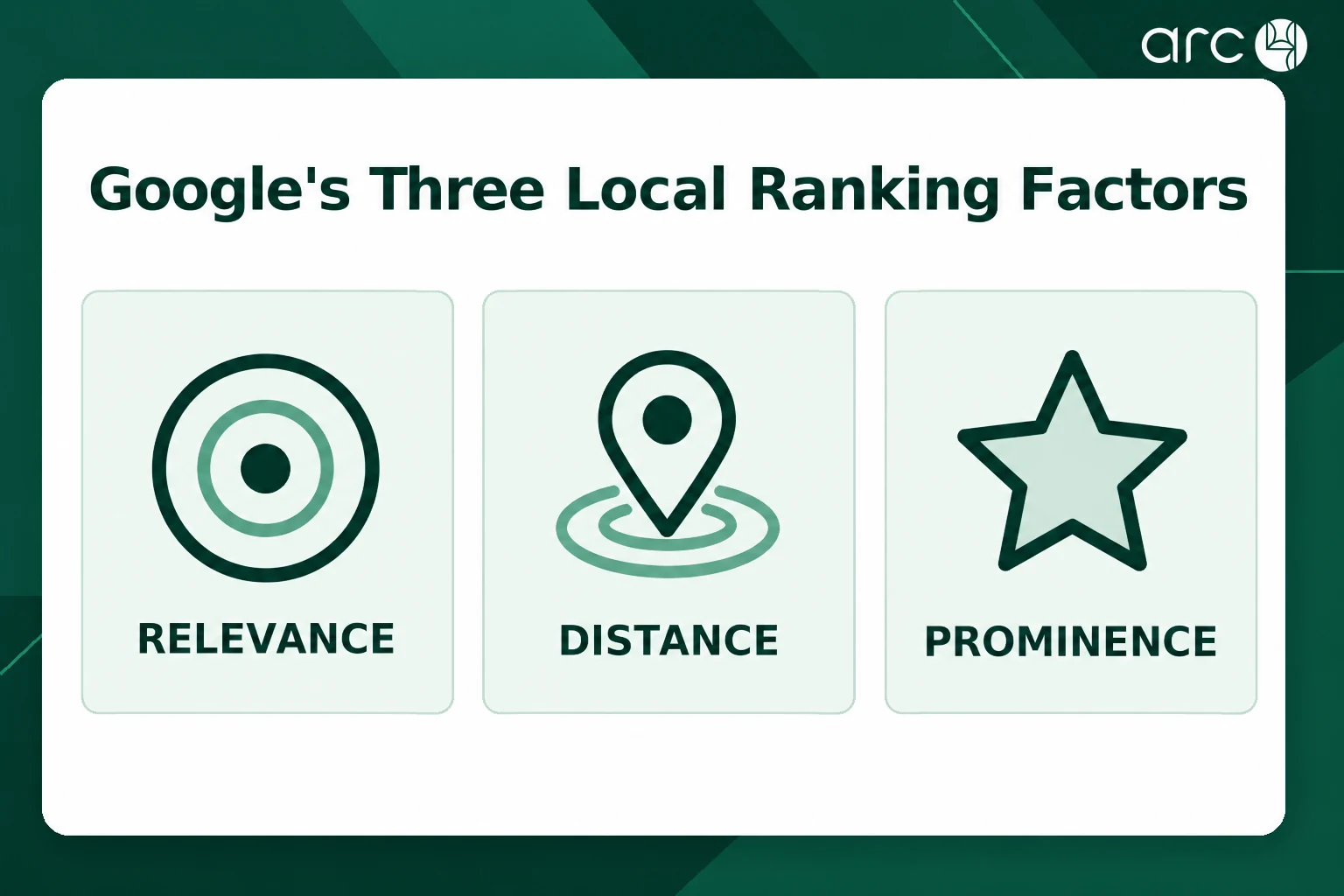
Google’s local algorithm evaluates three core factors: relevance, distance, and prominence. Understanding how each applies to a service area business is the foundation of effective business profile optimization, and refining those elements helps improve local visibility.
Relevance is driven by your primary and secondary categories, the services section, your Google Business Profile description, and the content on your website. Geo-targeted website content helps reinforce the service area declared in your GBP settings. For example, a renovation contractor covering 12 municipalities saw a 240% increase in map views after creating city-specific service pages and aligning categories.
Distance is still anchored to an internal address even when it is hidden from the public. Google calculates proximity from that hidden address, so being physically close to your target cities matters. A single profile realistically cannot dominate a city 40 miles away from the internal location.
Prominence is influenced by reviews, citations, links, and consistent brand presence across the web. An HVAC contractor case study showed that building 47 new reviews over 90 days, combined with NAP consistency improvements, led to a 36.7% increase in call volume and 257 verified GBP-attributed calls in 60 days.
Arc4 builds service area strategies that account for all three factors simultaneously rather than chasing one ranking signal in isolation.
How Local Ranking Factors Behave for Storefront vs Service Area Businesses
Understanding these differences is essential before investing in any optimization work. The table below compares how proximity, relevance, and prominence practically work for each business model.
| Ranking Factor | Storefront Business | Service Area Business |
| User distance from pin | Visible address creates a public pin; searcher closeness directly tied to displayed business location | Hidden address; distance still calculated from internal address, but no public pin visible to users |
| Impact of categories | Primary and secondary categories used broadly; several related storefront categories common | Primary category must precisely match core trade (e.g., “Plumber”); fewer but highly relevant secondary categories |
| Role of reviews | Adds to trust; reviews often reference the physical location | Even more critical; review recency and velocity heavily weighted; reviews mentioning specific towns boost relevance |
| Impact of hidden address | Not applicable; address is always visible | Address hidden from public but still used internally for proximity; far-flung service areas see declining rank |
| Service area configuration | Optional or limited; address does the heavy lifting | Must precisely define coverage by cities, ZIP codes, or radius; over-extending dilutes relevance |
Setting Up or Claiming Your Google Business Profile Correctly
Proper setup prevents months of lost visibility. Here is a chronological checklist for marketing directors:
- Use a company-owned Google account to create or claim the profile. Avoid personal accounts or letting agencies become primary owner if you may switch partners later.
- Enter your business name exactly as it appears in the real world. Google Business Profiles must match the legal business name exactly. Adding extra keywords like “City Plumber HVAC Solutions” violates guidelines and risks suspension.
- Select “Yes, I deliver goods and services to my customers” during setup, then hide the business address so it remains internal only.
- Choose a primary category that precisely matches your main trade (e.g., “Plumber,” “HVAC Contractor,” “Electrician”).
- Add your website URL and a stable phone number (not a temporary tracking number) for verification.
- Complete verification via postcard (typically 5 to 7 days), phone, email, or live video verification. Turnaround ranges from same-day to two weeks depending on method.
Common pitfalls to avoid:
- Duplicate profiles for the same business at the same address, which split reviews and weaken rankings.
- Mismatched addresses between GBP, website, and directory citations.
- Using call tracking numbers as the primary number during setup, which can confuse verification and create NAP inconsistencies.
Share manager roles with agencies like Arc4 rather than transferring ownership, so your team retains control.
Optimizing Core Business Information for Service Area Visibility
Google prioritizes accurate location information for search visibility. Every piece of business information, from your name and primary phone to your website URL and business hours, sends signals to search engines. Inaccuracy or inconsistency across platforms erodes both rankings and user confidence.
Hours and special hours: For companies offering 24/7 emergency services (like plumbing or HVAC), configure special hours so customers searching at 2 AM see that you are available. Update holiday hours promptly. Accurate business details reduce customer frustration and improve conversion.
Service area configuration: Google allows up to 20 specific service areas for service area businesses. Use specific cities or ZIP codes that you can reliably serve within realistic response times. Avoid listing cities you rarely serve just for SEO. Correct service area selection increases visibility in local searches, while over-extending dilutes relevance. Regularly review and adjust service areas to reflect operational changes and maintain accuracy.
Phone and NAP strategy: Accurate Name, Address, and Phone number consistency is crucial for local SEO. Use a stable main line as the primary number in the business profile. Secondary tracking numbers can be used on your website or in ads, but the GBP primary number should not change frequently.
Quarterly audits: Verify that your business information is consistent across GBP, your website, Apple Maps, Yelp, and other directories. Consistency in business information across different platforms boosts trust and SEO. Arc4 typically leads these audits for clients, catching discrepancies before they cause ranking drops.
Choosing the Right Categories, Services, and Attributes
Primary category reflects the core service of a business and is crucial for ranking. Google weights it heavily in its relevance calculations. If you are a plumber, your primary category should be “Plumber,” not “Home Improvement.” Adding complementary secondary categories can enhance visibility for specific offerings (e.g., “Water Heater Installation Service,” “Drain Cleaning Service”), but avoid adding irrelevant categories just to chase more traffic. Irrelevant categories reduce relevance and can trigger lower trust from Google.
Services section: Fully populate this with concrete offerings using customer-friendly terms in service descriptions. “Tankless water heater installation” performs better than “HVAC services.” Using relevant local keywords in service names, where appropriate, improves visibility in Google Maps.
Attributes: Options like “24-hour service,” “Online estimates,” or “Women-owned business” provide additional relevance and conversion signals in local search results. Only select attributes that truly apply. False attributes risk violations and trust loss.
Arc4 routinely analyzes top-ranking competitors’ categories and services to build a data-informed category strategy for clients, ensuring that every profile is optimized against the actual competitive landscape.
Crafting a High-Impact Google Business Profile Description
Google Business Profile descriptions have a 750 character limit. The first 250 characters of the description are crucial for keywords because that is what users see on mobile and desktop before expanding. A strong Google Business Profile description should include:
- Primary services (e.g., “plumbing, drain cleaning, water heater repair”)
- Core service area cities (e.g., “serving Austin, Round Rock, Pflugerville”)
- Differentiators (“24/7 emergency service,” “same-day response,” “upfront pricing”)
- Trust elements (“licensed and insured,” “family-owned since 2012”)
Avoid hyperlinks, promotional hype (“50% off!”), or language that violates Google’s guidelines. Use relevant keywords naturally without stuffing.
Example: “Since 2012, XYZ Plumbing has provided 24/7 emergency plumbing, drain cleaning, and water heater repair across Austin, Round Rock, and Pflugerville. Licensed, insured, and committed to same-day response and upfront pricing for every job.”
Arc4 typically A/B tests variations of descriptions over time, watching impact on impressions, calls, and direction requests.
Example Google Business Profile Description Structures by Home Service Vertical
The table below provides a blueprint for structuring descriptions across common home service verticals. Use these as starting points, then customize for your specific service area and brand.
| Vertical | Key Services to Mention | Geographic Phrases to Include | Trust Elements to Highlight |
| Plumbing | Emergency plumbing, drain cleaning, water heater repair, sewer line inspection | Main metro + 2 to 3 surrounding cities | Licensed, insured, 24/7 availability, upfront pricing |
| HVAC | AC repair, furnace installation, heat pump maintenance, duct cleaning | Metro area + key suburbs by name | NATE-certified technicians, same-day service, financing available |
| Electrical | Panel upgrades, outlet installation, whole-home rewiring, EV charger install | City names + county if applicable | Licensed master electricians, code-compliant, free estimates |
| Roofing | Roof replacement, storm damage repair, gutter installation, inspections | City + “and surrounding areas” | Insurance claim assistance, manufacturer warranties, locally owned |
| Lawn Care | Lawn mowing, fertilization, weed control, landscape design | Specific neighborhoods or ZIP codes served | Eco-friendly products, recurring plans, satisfaction guarantee |
Building Trust Signals: Reviews, Ratings, and Responses
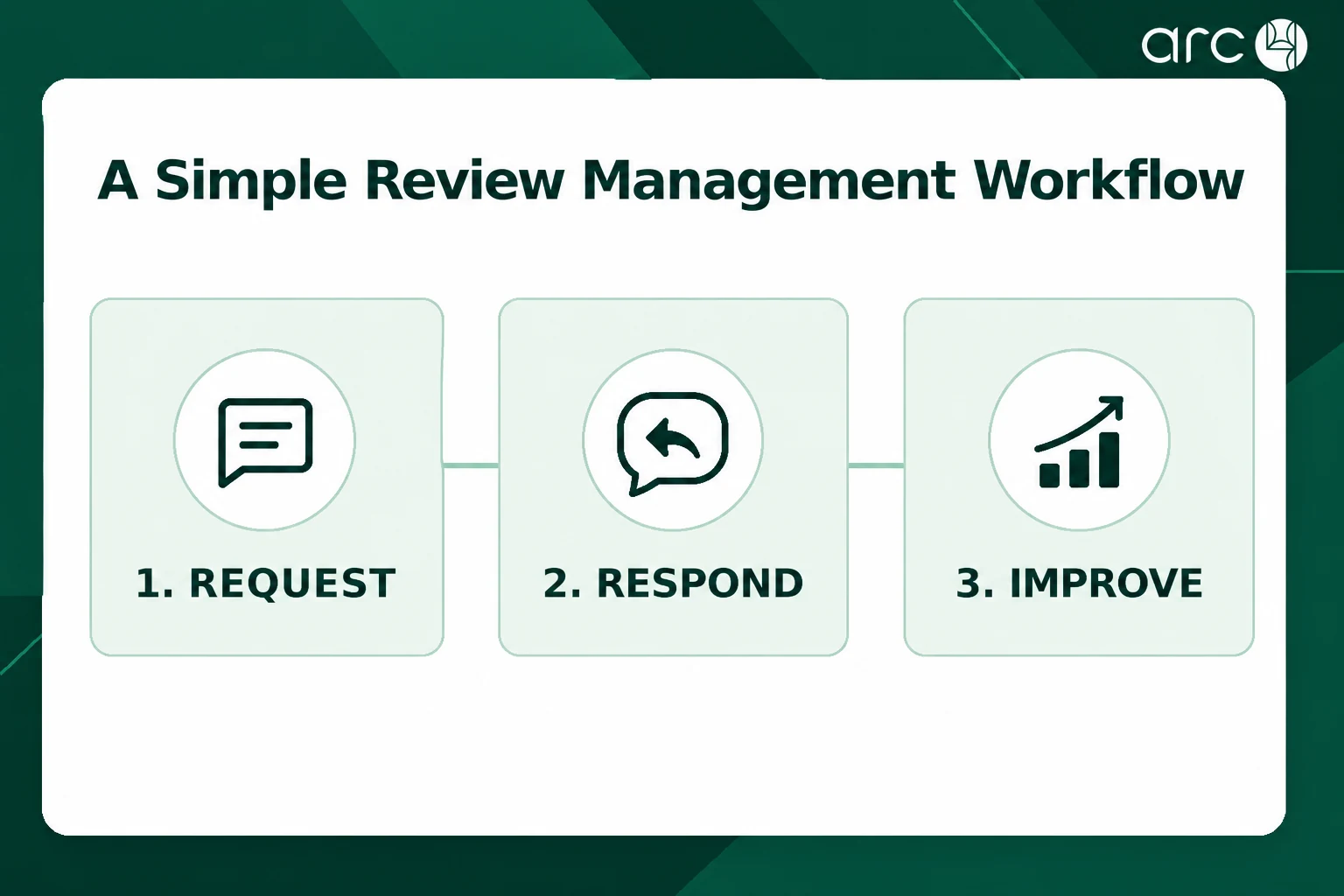
Customer reviews are one of the strongest local ranking signals. Positive reviews significantly influence local pack ranking, and a steady flow of genuine reviews boosts profile visibility over time. Google’s local algorithm pays attention to reviews mentioning specific locations, meaning a review that says “Great AC repair in Round Rock” carries more weight than “Good service.”
Review acquisition for home services:
- Send post-job email or SMS follow-ups within 24 hours of service completion.
- Place QR codes on technician leave-behind cards, invoices, or vehicle magnets.
- Encourage satisfied customers to leave detailed feedback, including the type of service and city. Businesses should encourage detailed customer feedback for better conversions.
- Reviews should include natural localized keywords for better optimization, but never script exact wording for customers.
Responding to reviews: Reply to every review, positive and negative. Use service and city terms naturally in your responses without sounding robotic. Responding to negative reviews can improve business reputation by showing professionalism and a commitment to resolution. Offer to take the conversation offline for unhappy customers.
Arc4 offers review management workflows and tools so that busy teams can monitor, respond, and report on review trends without missing critical feedback. In one case, an HVAC contractor went from 11 to 58 reviews in 90 days, dramatically boosting Map Pack presence.
Visual Optimization: Photos, Videos, and Logo Consistency
Profiles with high-quality visuals attract more engagement and clicks. Profiles with high-quality visuals receive more engagement across impressions, calls, and direction requests. For home service businesses, the following types of media work best:
- Team photos and headshots of technicians
- Branded trucks and vehicle wraps
- Job site before-and-after images (e.g., a completed roof, a new HVAC install)
- Short video clips showing work in progress or walkthroughs
- High quality images of completed projects
Uploading authentic job site photos enhances a service area business’s profile and builds trust with nearby customers. Aim for at least monthly uploads, with bi-weekly or weekly uploads during peak seasons. Follow Google’s technical guidelines: minimum 720×720 resolution, correct orientation, no heavy text overlays.
Maintain consistent brand elements across all business profiles: same logo, color scheme, uniforms, and vehicle livery. This helps users search for and recognize the brand across cities.
Arc4 often builds structured photo calendars tied to seasonality. For example, AC tune-up visuals go live before summer, and heating repair content launches before winter.
Posting, Messaging, and Q&A: Driving Engagement from Your Business Profile
Google Posts: Use Posts to showcase seasonal promotions, same-day service availability, financing offers, or tips. Businesses should post updates on Google Business Profile at least weekly. Post types that drive the most engagement for home services include service highlights, limited-time discounts, and “what we do” content. Consistent posting helps demonstrate that your business operates actively, which correlates with better local visibility.
Messaging: Enable GBP messaging only if your team can respond reliably during business hours. Unanswered messages hurt perception. Use messaging to capture high-intent leads like quote requests or emergency calls.
Q&A optimization: Seed the public Q&A section with common questions:
- “Do you offer same-day service?”
- “What is your warranty on HVAC installs?”
- “Which cities do you serve?”
Answer thoroughly, using city and service context. Monitor regularly and respond to new questions quickly. Q&A can pre-qualify leads and reduce friction before the first phone call.
Arc4 helps marketing teams create templates, schedules, and QA workflows so Posts and Q&A do not become inconsistent or neglected.
DIY Google Business Profile Management vs Partnering with Arc4
Many marketing directors start with DIY optimization, then hit a ceiling where expert help from Arc4 unlocks further growth. The table below highlights where the differences matter most, especially when managing 5 to 20 locations across different suburbs or metro areas.
| Capability | DIY In-House | With Arc4 |
| Time investment per month | Moderate to high; inconsistent execution, scheduling gaps | Structured playbooks; handles posts, media, reviews systematically with lower internal burden |
| Depth of competitive analysis | Often superficial; limited tools for monitoring competitor categories and ranks | Deep data-driven competitor audits with continuous tracking across towns |
| Review management sophistication | Manual review requests; slow responses; spotty negative review handling | Automated pipelines, templated responses, issue resolution workflows with service/town keywords |
| Multi-location consistency | Inconsistent branding, NAP, and service area settings across profiles | Uniform standards enforced across every business listing |
| Reporting and attribution | Limited visibility; GBP metrics without website or CRM linkage | Dashboards combining GBP, website, and CRM data; measures cost per lead and closed jobs per channel |
Common Service Area Configuration Mistakes vs Best Practices
How you configure your service areas strongly affects local ranking, impressions, and lead quality for home services.
| Configuration Area | Typical Mistake | Best Practice for Service Area Businesses |
| Service radius too large | Using a 50 to 100+ mile radius to “cover everywhere,” leading to low relevance far from the hidden address | Limit service areas to cities you can reliably reach within 30 to 45 minutes; add locations when expanding |
| Including cities not served | Listing towns purely for SEO with no real service history there | Only list cities where you have completed jobs and can respond within realistic timeframes |
| Multiple overlapping profiles | Creating duplicate profiles at the same address with overlapping service areas; splits reviews, risks suspension | Consolidate duplicates; one clean profile per legitimate physical address |
| Hiding vs showing address incorrectly | Leaving a residential or warehouse address visible when you do not accept walk-in local customers | Use hidden address for all service area businesses; visible address only when you truly operate a customer-facing storefront |
Measurement: Tracking Performance and Proving ROI from Google Business Profiles
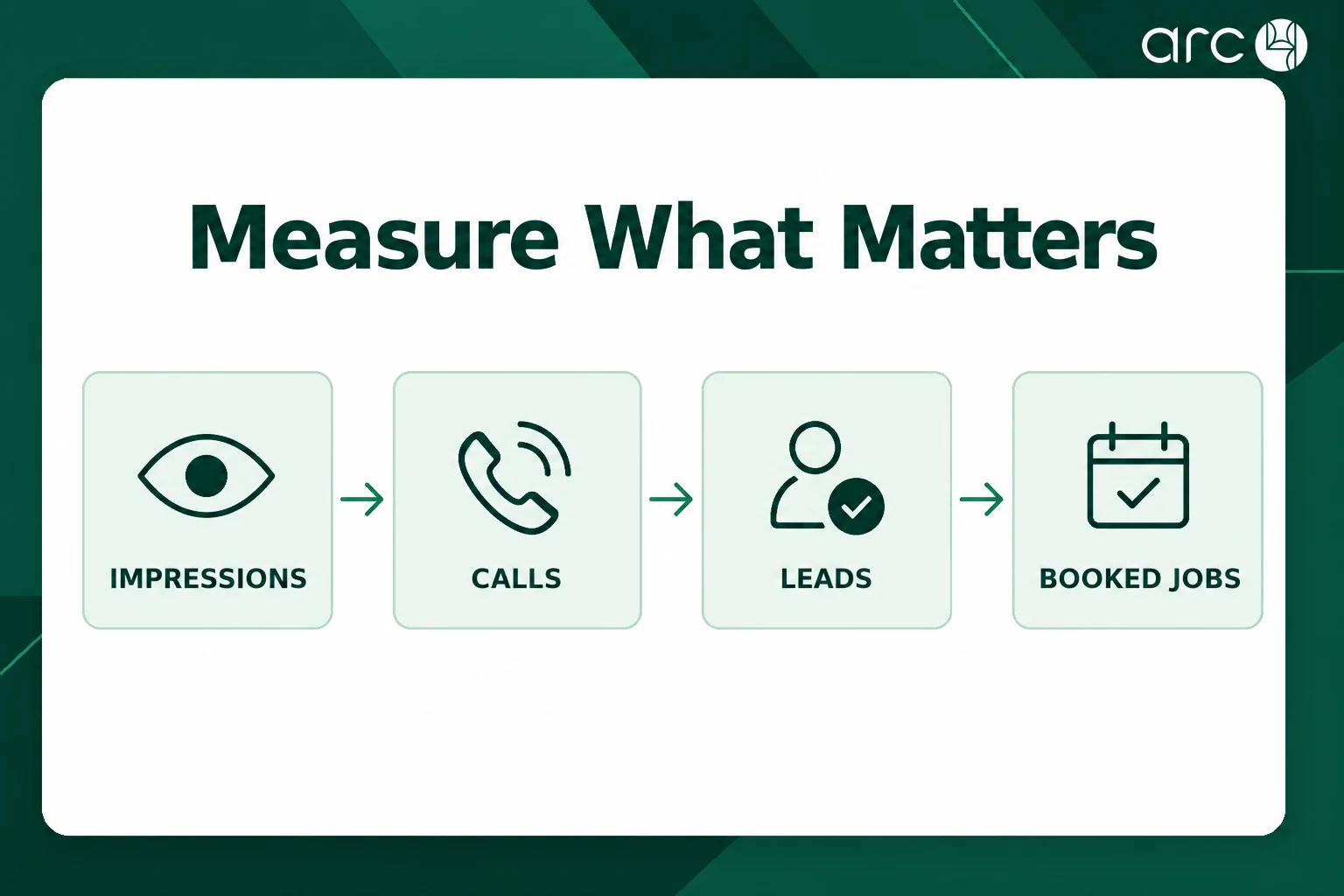
The native GBP metrics that matter most for service area businesses are:
- Impressions (Search and Maps): how often your business appears in local search results
- Customer actions: phone calls, website clicks, direction requests, and message volume
- Reviews: total count, average rating, and recency
- Local pack rankings for target keywords at the city or suburb level
Connect GBP data with Google Analytics or your analytics platform to understand post-click behavior. Track lead form completions, online bookings, and calls through to your CRM to measure true cost per lead and close rates by channel, then layer in enterprise SEO services for multi-location growth to understand how organic visibility scales across markets.
Build monthly or quarterly dashboards combining business profile, website, and CRM data. Establish clear baselines before major optimization work, then compare 3, 6, and 12 month windows. In one case, EverGreen Home Services saw bookings increase 185% and qualified leads grow 3.4x after a structured GBP and content overhaul. Those are the kinds of valuable insights that justify continued investment.
Arc4 delivers structured reporting and executive summaries tailored for marketing directors, making it easy to share results with leadership and prove the ROI of ongoing management for multi-location brands across key industries.
When to Add More Locations or Profiles for Multi-City Growth
A single hidden-address service area profile cannot realistically dominate an entire metro region. Proximity limits mean performance drops in distant suburbs regardless of other optimizations. Multi location businesses with broad coverage need a smarter approach, often pairing a disciplined GBP program with enterprise and multi-location websites and SEO.
When to add a new profile:
- You open a new office, warehouse, or physical presence in another city.
- Demand density in a distant area justifies dedicated resources.
- Competitors in that area have strong local presence you cannot overcome from your current address.
Google requires a legitimate physical location for each profile. Virtual offices or fake addresses risk suspension and lasting damage to your local presence. Prioritize new locations based on search demand, competition strength, travel time, and existing brand awareness.
Arc4 helps plan and roll out multi-location Google Business Profile strategies for home service organizations and franchises expanding into new markets, applying scalable franchise SEO strategies for multi-location growth so every new profile is set up for long term business growth from day one.
Ongoing Management Workflows and How Arc4 Supports Marketing Directors
Businesses should regularly update their Google Business Profile for better ranking. Treating GBP optimization as a continuous program, not a one-time project, is what separates market leaders from everyone else.
Monthly management checklist:
- Update seasonal offers and promotions in Posts
- Check and confirm business hours (especially before holidays)
- Review GBP Insights for trends in impressions, calls, and direction requests
- Respond to all new reviews within 24 to 48 hours
- Upload fresh photos or videos aligned with current service themes
- Monitor and answer new Q&A entries
- Verify NAP consistency across directories and the website
Automated alerts, scheduled Posts, and bulk updates can help maintain quality across many business profiles without overwhelming internal staff. Arc4 implements standardized playbooks per client, similar to leading local SEO company frameworks for multi-location visibility, ensuring that every location follows the same business optimization cadence and reporting schedule.
If you are a business owner or marketing director looking to move more traffic into booked jobs, consider Arc4 as your main partner for Google Business Profile management and local SEO, and contact the Arc4 team to scope the right program. Free your internal teams to focus on broader brand and campaign work while Arc4 handles the day-to-day execution that drives results.
FAQ: Google Business Profile Optimization for Service Area Businesses
How long does it take to see results after optimizing a Google Business Profile?
Modest improvements in impressions and calls can often appear within 2 to 4 weeks after major fixes like correcting categories, cleaning up service areas, and improving business information accuracy. More competitive markets may take 3 to 6 months for substantial local pack gains. Timelines depend on competition, your starting reputation, and how aggressively reviews and content are improved. Traditional SEO and GBP optimization both require patience, but GBP improvements tend to show up faster than website-only changes.
Can one service area profile rank well across an entire metro area?
A single profile can perform strongly near its hidden address and in a limited surrounding radius, but coverage usually drops off in distant suburbs. Broader metro dominance typically requires a combination of strong website SEO with city-specific content, dedicated local landing pages, targeted local keywords, and in some cases additional legitimate locations. Users search from different parts of the metro, and proximity still matters even when the address is not visible. Arc4 helps evaluate where a single profile can perform and where additional profiles would unlock meaningful growth.
Is it safe to add keywords to my official business name in Google Business Profile?
No. Adding extra keywords or city names to the business name field is against Google’s guidelines and can trigger suspensions or competitor reports. Keep the business name field consistent with your real-world branding. Focus optimization efforts on other fields like the business description, services section, Posts, and website content where relevant searches can be addressed without risk.
How often should we update photos and Posts on our profile?
Upload new photos at least monthly and post weekly if possible, aligning content with seasons, promotions, and major service themes. Consistent new content helps demonstrate that the business operates actively and improves engagement metrics that correlate with better search rankings and local visibility. During peak seasons, bi-weekly or even weekly photo uploads tied to completed jobs can make a noticeable difference.
What is the best way to coordinate internal teams and an external partner like Arc4?
Set up clear roles where internal marketing manages brand approvals, high-level strategy, and business operations decisions, while Arc4 executes day-to-day profile optimization, review management, and reporting. Schedule monthly or quarterly review meetings to align on results, upcoming campaigns, and any service or location changes that affect business information. This division keeps small businesses and larger organizations alike running efficiently while ensuring that no detail falls through the cracks.